Since the pandemic burst upon the collective scene, there has been a steady uptick in Microsoft Teams subscribers. Recently, the video conferencing service recorded over 270 million monthly active users (MAU).
Microsoft Teams became popular because it combines both video and audio conferencing and integrates with Office 365. It is also considered safer due to data encryption and other advanced security tools mapped to Azure’s Active Directory.
Although employees are returning to the office, Microsoft Teams remains a fixture of every meeting. The company has continuously improved the features to make the meetings more productive.
Let’s look at a few recently introduced slew of features to improve how meetings are conducted.
New Features of MS Teams
1. Mixed Reality Feature
Microsoft’s research had shown that the time spent on Teams meetings had increased by 2.5 times during the pandemic. It has led to meeting burnout. To overcome this burnout, Microsoft introduced a new feature called the Together mode last year to create an illusion of colleagues sharing the same space.
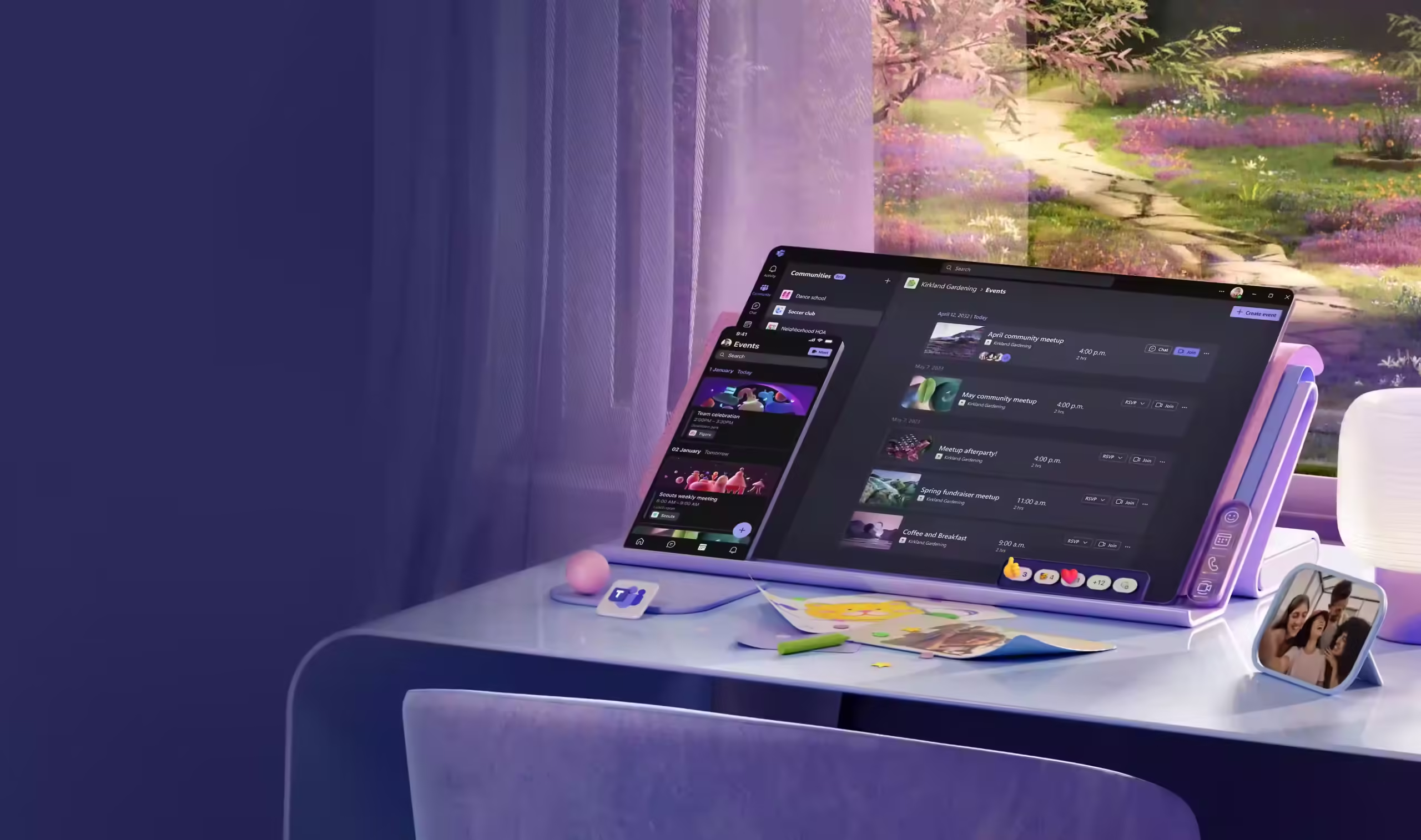
This year, the company has added another new feature called Mesh that’s built on the existing features like Together mode and the Presenter mode. Mesh is a mixed reality feature that allows the team members to have a holographic presence. They can collaborate and share spaces from anywhere and host virtual meet-ups to make the meetings more engaging and productive. Mesh can be accessed from laptops, smartphones, and mixed reality headsets.
2. New Team Room Devices and Features
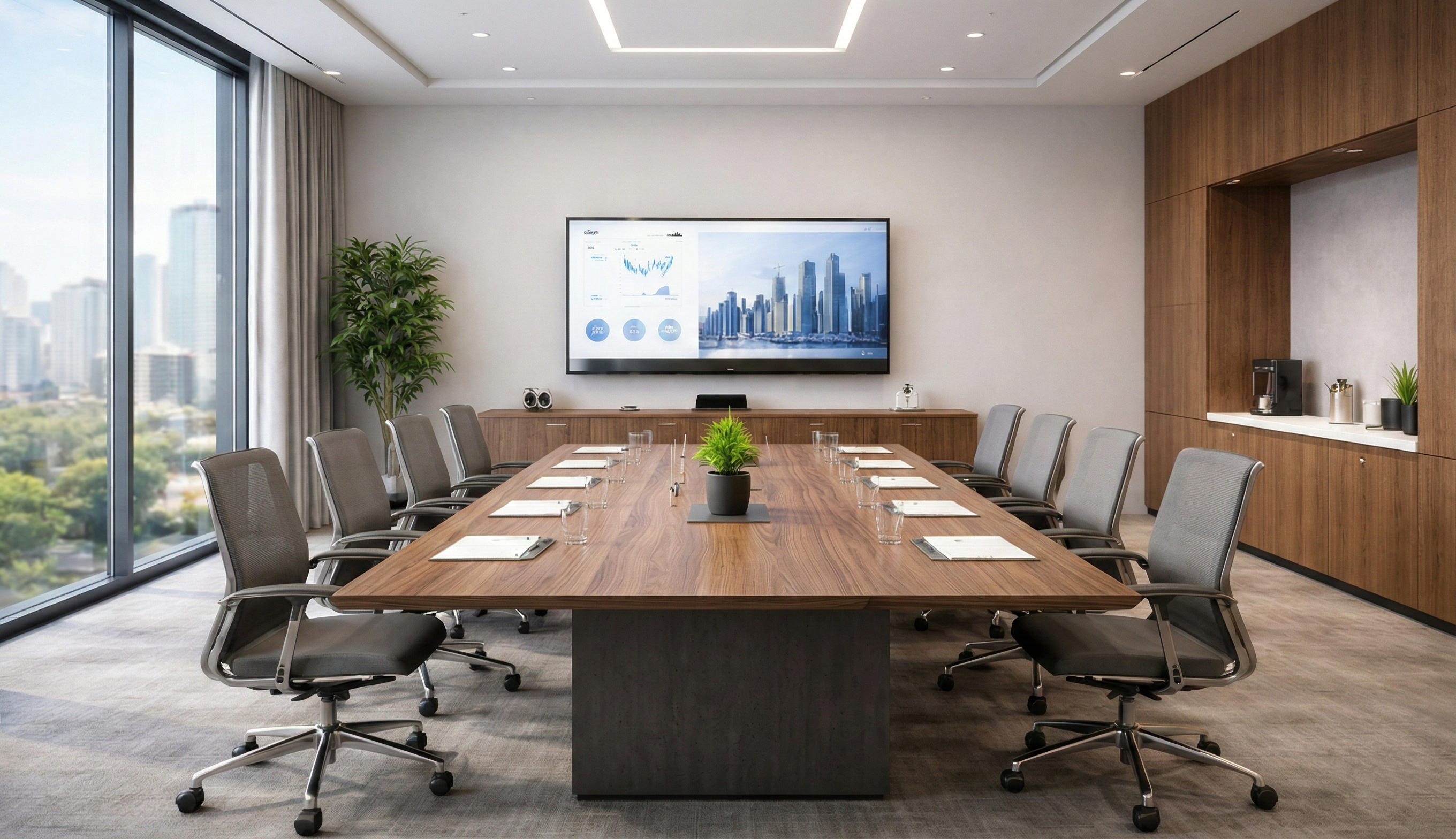
Microsoft Teams has released a gamut of features and devices in collaboration with companies like Yealink, HP, and Logitech. For example, organisers can use Yealink MeetingBoard 65″ collaboration display to combine everything from a computing unit to a 4k camera and touchscreen display to make video conferencing more engaging.
Microsoft Teams also provides the check-in option to optimise space occupancy. All the user has to do is tap the check-in option on Team Room from Yealink and other devices or panels and leave it to occupancy sensors. The occupancy sensors can identify empty rooms and release them to others for booking.
Besides this, Microsoft is also planning to bring in more features for broadcasting and webinars, new chat, and security features to promote productive, engaging, and secure meetings.
3. In-Room Meeting Controls
Virtual meetings can be quite distracting and disruptive for team members, from a child crying to people walking in the background. The only way to address this issue is by using in-room meeting controls.
Microsoft Team has introduced in-room meeting controls to allow the organiser or other team members to disable other users’ cameras or microphones during the meetings. This minimises the disturbances and allows the team members to focus on the meeting than getting distracted.
4. New Co-Organizer Feature
Sometimes managing a large meeting alone can be cumbersome. That’s why Microsoft Teams has introduced a new feature called co-organiser. The co-organiser feature allows the main organiser to share the meeting controls with up to ten specific meeting attendees.
The co-organisers can access and modify the meeting options, admit new attendees, and help the organisers easily manage large and complicated meetings. However, they cannot manage the breakout rooms or meeting recordings.
5. More Security to Limit Unauthorised Users
There was a time when unauthorised users could easily enter virtual meetings through a publicly shared link and disrupt the session or make other users uncomfortable with spam messages. This was famously called zoom bombing. It became a punishable offence in the US.
Taking a cue from this trend, Microsoft has strengthened Teams’ security. It gives the IT administrators the power to disable chat write access to unauthorised users. Once the IT administrator disables the chat write access for unauthorised users, the organisers cannot override the settings. This prevents the miscreants from disrupting the meeting and preserves the sanctity of the meeting and the privacy of the team members.
6. Multi-Lingual Live Captions and Transcriptions
Microsoft Teams offers web users real-time transcription and captioning in 27 spoken languages. It can automatically detect and present whatever is said as live, real-time captions. The users can see who is talking and what’s being said when enabled. This enables them to stay engaged even when the users are in a crowded place.
It is also helpful for those with hearing problems as they can follow and participate in the meetings. While the captions cannot be saved, the users can enable the transcription option and download it after the meeting to stay updated.
Why is an AV Integrator Required?
Microsoft Teams is more than the usual AV conferencing platform. It helps users store and exchange files, streamline workflows, and conduct large online events. Modern AV platforms like Microsoft Teams require integrated AV systems that are connected and allow users to have a successful meeting. Given the complexities involved in AV integrations, companies need to work with a trustworthy AV integration partner.
At Resurgent, we help with AV integrations and modernise the meetings to help companies leverage the potential of Microsoft Teams and have seamless and productive meetings.
Book a free consultation right away!