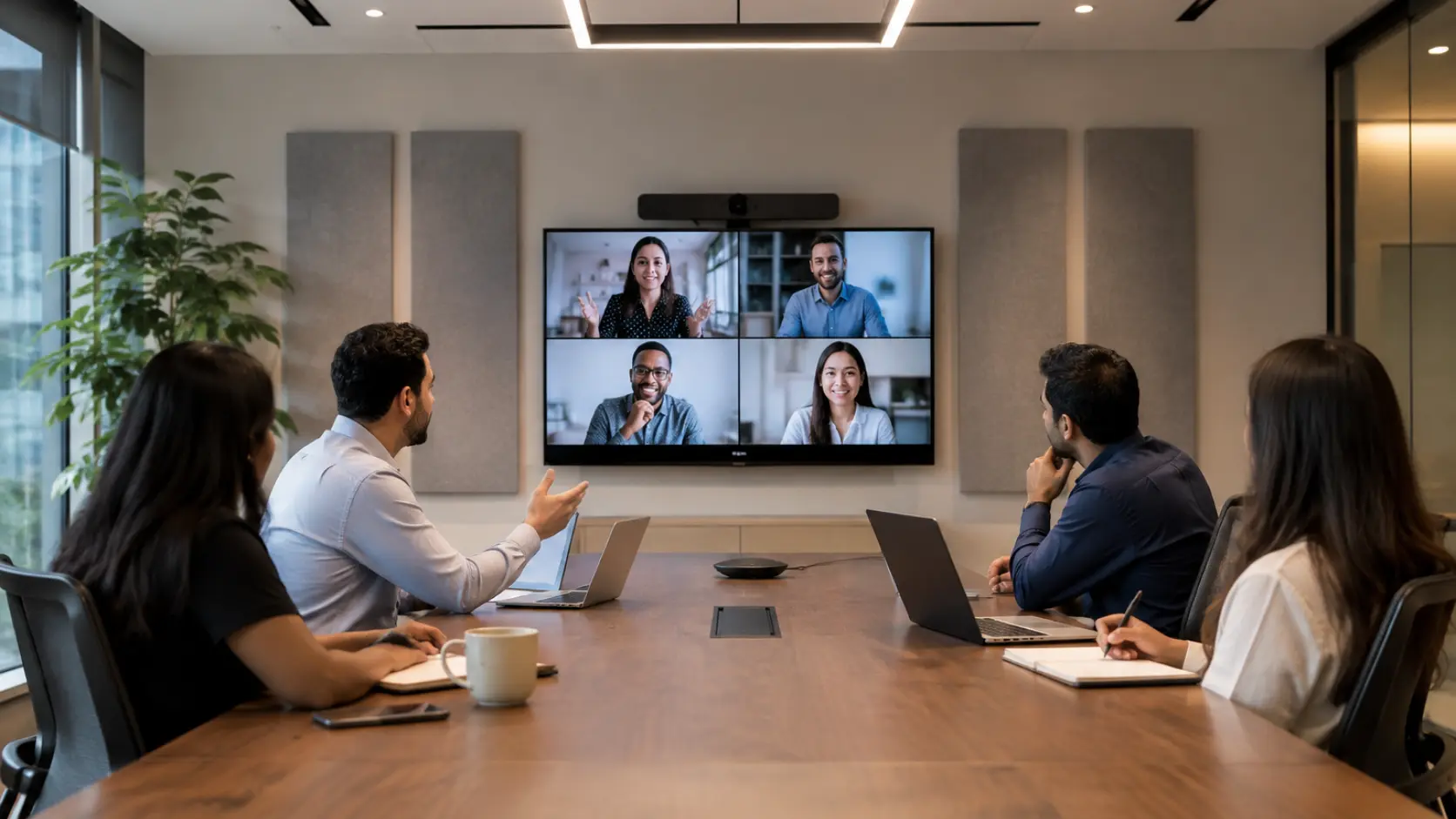
Picture your morning executive meeting: Coffee cups clink as your team gathers around the gleaming conference table. The Zoom Room system activates with a gentle chime. Cameras focus, microphones open, and sensitive quarterly projections appear on the 85-inch display.
Now imagine:
A hacker 8,000 miles away watches through your own camera. They captured your CFO’s login credentials when they managed the system remotely last week. As your team debates layoffs, every word streams to a competitor.
This isn’t science fiction. Audio-visual (AV) systems have become the overlooked backdoors into corporate secrets, patient records, and financial data. As AV tech grows smarter (and more connected), its security risks multiply exponentially.
The good news? Protecting your organization doesn’t require a computer science degree. This guide breaks down five real-world threats into plain language – and gives you actionable solutions to deploy today.
1. Unauthorized Access: When Your Meeting Room Becomes a Public Stage
The Danger in Plain Sight
Imagine a national retailer installed 60 identical Zoom Rooms across stores. To simplify setup, technicians used the same admin password (“Zoom2025”) on every system. Hackers breached one location’s Wi-Fi, found the password in an unsecured manual PDF, and spied on inventory discussions for 6 weeks – then leaked Raksha Bandhan plans on the dark web.
Why This Keeps Happening
- Default Passwords: Most AV systems ship with simple passwords like “admin” or “1234”
- Shared Credentials: IT teams often reuse logins across multiple rooms
- No User Verification: Anyone physically near the device can plug in a malware-infected USB
Your Action Plan
- The Digital Deadbolt:
- Change every default password to a unique 12+ character phrase
- Use a password manager (like 1Password, Dashlane) to track them securely
- Enable two-factor authentication where possible
- The VIP Room Approach:
- Create separate network zones just for AV equipment (like cordoning off a private event space)
- Restrict communication between AV devices and sensitive servers (finance/HR databases)
- The Concierge Model:
- Assign role-based access (e.g., “marketing can display content but can’t install software”)
- Require staff badge scans to use the executive boardroom systems
2. Data Leaks: Your Private Conversations Floating in Digital Space
The Invisible Broadcast
Think of a cardiology clinic that streams patient echocardiograms to specialists via unencrypted video. Hackers intercepted the feeds using $20 radio equipment from a parking lot. Thousands of patient records were sold to insurance fraud rings before the breach was detected.
Why Unencrypted AV Is Risky Business
- Video/audio signals can be intercepted like radio waves
- Hackers exploit weak links (older displays, legacy conferencing units)
- Regulations (HIPAA/GDPR) impose massive fines for exposure
Your Action Plan
- The Digital Envelope:
- Mandate end-to-end encryption for all AV communications (look for the padlock icon)
- Replace equipment that can’t support modern encryption
- The Secure Pipeline:
- Use verified platforms like Microsoft Teams Rooms (not consumer-grade Zoom) for sensitive meetings
- For digital signage, ensure payment/input screens use HTTPS connections
- The Compliance Check: Quarterly “privacy audits” where IT verifies:
- Where meeting recordings are stored
- Who can access archived videos
- How long data is retained
3. Outdated Software: The Silent Saboteur in Your Walls
The Ticking Time Bomb
Imagine that a university skipped updates on 200 classroom projectors to avoid “disrupting classes.” Hackers exploited a known vulnerability to display inappropriate content during parent tours. The PR crisis cost incoming freshman applications.
Why Old Software Is Dangerous
- Unpatched systems are low-hanging fruit for hackers
- One compromised device can spread malware like a virus
- Manufacturers stop supporting older models (leaving security holes unplugged)
Your Action Plan
- The Automatic Shield:
- Enable auto-updates on all AV equipment (displays, soundbars, controllers)
- Schedule updates for 2 AM Sundays to avoid disruptions
- The Tech Health Check: Every quarter, review:
- Which devices reached “end-of-support”
- Patch status of critical systems
- Vendor security bulletins
- The Replacement Rhythm:
- Budget to replace AV equipment every 5-7 years
- Prioritize units in sensitive areas (executive rooms, medical diagnostics)
4. Remote Management Risks: The Invisible Backdoor
The Silent Takeover
Imagine the IT team used a web-based portal (protected only by basic passwords) to manage 30 Logitech conference rooms globally. An employee working from a café accidentally left their laptop unlocked while grabbing coffee. In under 90 seconds, a passerby accessed the open “room manager” tab, changed admin credentials, and enabled hidden microphone monitoring.
Why Remote Management Is Your Weakest Link
- Always-On Access: Management portals are “open doors” if compromised
- Centralized Control: One breach = access to all systems
- Stealthy Exploits: Attackers can enable monitoring without visible alerts
Your Action Plan
- The Virtual Guard Post:
- Replace web logins with Zero Trust platforms (like Cisco Duo), requiring biometric verification
- Restrict management access to company-owned devices with endpoint security
- The Session Shield:
- Auto-terminate idle connections after 5 minutes
- Require re-authentication for high-risk actions (firmware updates/microphone access)
- The Digital Paper Trail: Implement blockchain-style immutable logs showing:
- Who accessed Room 12B’s controls
- When they enabled recording
- Where the command originated (IP/country)
5. Physical Tampering: When Danger Walks Through the Door
The Hands-On Threat
Think of a “technician” installing digital signage in bank branches added compromised USB adapters. For 11 months, these devices harvested customer PIN entries until a branch manager noticed the extra hardware.
Why Physical Security Matters
- Malicious insiders can install spy gear in minutes
- USB ports allow data theft or malware injection
- Fake devices often go unnoticed for months
Your Action Plan
- The Tamper Seal:
- Apply security stickers over device seams (reveal if opened)
- Use lockable media ports (requires a key for USB access)
- The Hardware Inventory:
- Photograph authorized equipment configurations
- Conduct surprise spot-checks against the “gold standard”
- The Trusted Installer Policy:
- Vet all AV technicians through certified partners
- Escort third-party workers at all times
Conclusion
Your AV systems should empower collaboration – not keep you awake at night. By addressing these five areas:
- Lock digital doors with strong authentication
- Seal data leaks through encryption
- Disarm time bombs with updates
- Guard remote controls with activity logs
- Protect physical access with visible safeguards
…you transform meeting rooms, classrooms, and lobbies from risk zones into secure collaboration spaces.
At Resurgent, we specialize in tailored AV solutions for Corporate, Education, Healthcare, Public Sector, Retail, and Residential environments. As authorized partners for top brands like Microsoft Teams Rooms, Cisco, Jabra, Logitech, Zoom Rooms, HP, Yealink, and SIMStation, we deliver:
- End-to-end security audits & compliance alignment
- Enterprise-grade device hardening & network segmentation
- Proactive monitoring and patch management
Contact us today to schedule a free AV security assessment and fortify your infrastructure against evolving threats.
FAQs
1. What are the top security risks for my AV systems?
Unauthorized access, data leaks, outdated software, remote management, and physical tampering are the main risks.
2. Can my AV system be a weak link for a data breach?
Yes, a poorly secured AV system can be an entry point for hackers to steal data or inject malware.
3. How can I assess my company’s AV security?
Contact Resurgent for a tailored security assessment and to deploy a protection plan