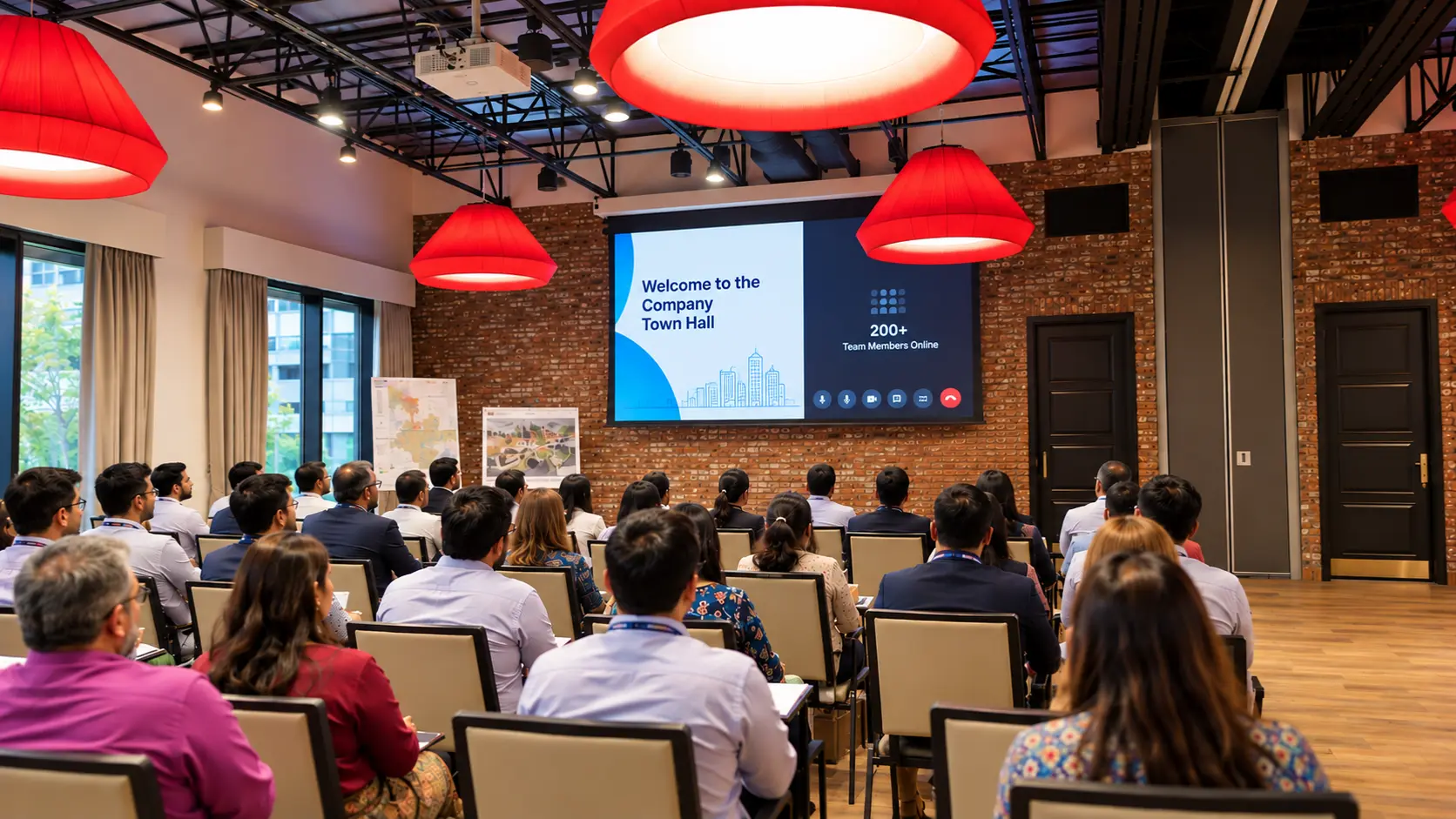
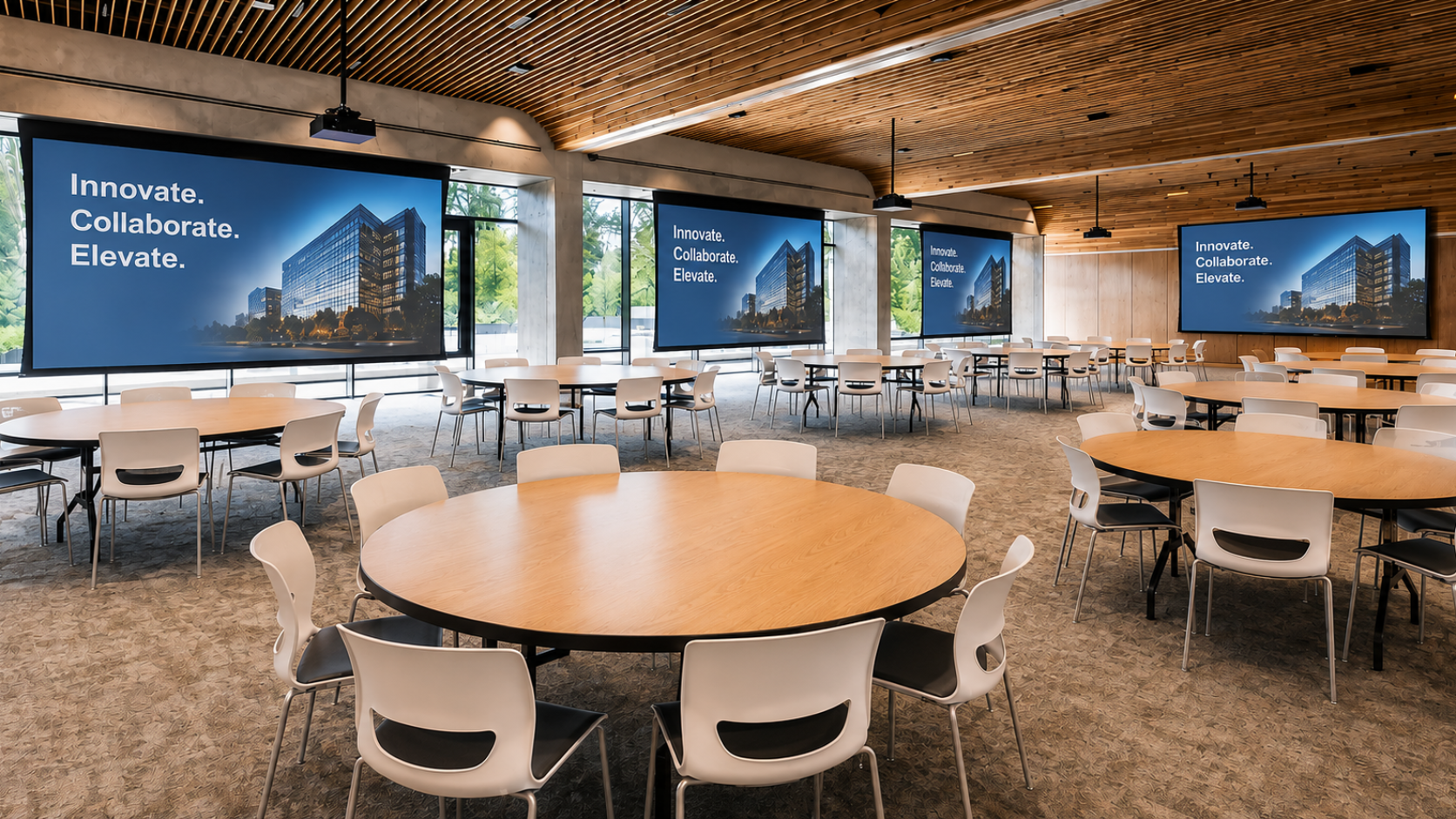
A company-wide town hall follows one script. Yet the employee in the boardroom hears clear audio while the one joining from a home office fights lag and echo. The auditorium group sees crisp slides. Remote staff squint at pixelated faces. Consistency ends up failing here.
This gap hurts engagement. People feel left out when the experience differs by location. Trust drops. Messages lose impact. Your hybrid setup must deliver the same quality whether someone sits in a meeting room, an auditorium, a branch office, or their living room.
The core issue sits in infrastructure. One script alone does not fix uneven audio, video, or interaction paths. You need an audio-visual solution that treats every location as equal. By partnering with experienced audio-visual system integrators, you can design a framework that unifies diverse environments – from corporate boardrooms to large auditoriums – under a single, reliable standard.
Why Consistency Matters for Hybrid Town Halls
Employees notice differences fast. Poor sound forces them to strain. Delayed video makes speakers look disconnected. Chat questions from remote staff get ignored while in-person hands go up first.
Over time, this creates two groups: those who feel included and those who do not. Attendance falls for later events. Feedback quality drops. Leadership messages reach only part of the workforce.
Consider a global firm with 2,000 staff. Half join on-site across three offices. The rest connect from home. Without matched systems, the on-site group claps and reacts in real time. Remote staff type comments that appear late or vanish. The event feels split. One experience inadvertently ends up becoming two.
Practical steps help close this divide:
- Focus on audio first, then video, then shared interaction tools.
- Test every path before the live session.
- Standardize gear and software across sites.
Key Infrastructure Barriers
Different rooms demand different gear. A boardroom uses ceiling mics and a large display. An auditorium needs multiple cameras and powerful speakers. A home office relies on a laptop webcam and basic headset. Remote sites often mix both.
Common problems include:
- Uneven volume levels between rooms
- Camera angles that favor only the main stage
- Network delays that hit remote connections harder
- Software that works on one platform but fails on another
- Lighting that looks professional on-site yet dark for remote faces
These barriers stem from treating each space as separate. You fix them by building one connected system rather than separate setups.
This is exactly where enterprise AV solutions prove their value, validating that the hardware and software in your HQ match the capabilities provided to smaller satellite offices.
Planning Your Next AV Project?
Create Seamless Collaboration
with Our Enterprise AV Solutions.
Connect With Us →
Build Unified Audio Paths
Audio decides whether people stay engaged. If remote staff hear muffled speech while the auditorium gets crystal-clear sound, the experience breaks.
Start with shared processing. Route every microphone through the same digital signal path. Use consistent gain settings. Apply the same noise reduction rules to boardroom ceiling mics, auditorium floor mics, and remote headsets.
Top conference room audio-video solutions prioritize this level of synchronization to ensure that a speaker in the main hall sounds just as clear to a participant on their laptop.
Example: A manufacturing company linked five sites for quarterly town halls. They installed matching audio processors at each location. Staff in the factory floor room, the HQ boardroom, and home offices all heard the CEO at the same volume and clarity. Complaints about “I could not hear” dropped to near zero.
Test with real people in each location type. Record sample sessions. Adjust until levels match. Include backup channels so a failed mic in one room does not silence the whole feed.
Match Video Quality Across Locations
Video must look the same for every viewer. A high-end camera in the auditorium produces sharp images. A basic laptop camera at home does not. The solution is not forcing every home user to buy studio gear. Instead, standardize the main feeds and support secondary ones.
Use one primary camera system for the stage or main speakers. Distribute that feed to all locations at the same resolution. For remote speakers or questioners, set clear minimum standards: stable internet, good lighting, simple background.
Whether you are looking for AV solutions in Bangalore or global deployments, maintaining uniform video encoding is essential.
Place secondary cameras in secondary rooms so remote viewers see the full audience reaction when needed. Keep frame rates and compression settings identical across the network.
One tech firm ran a town hall with 800 people. They set the main stage cameras to 1080p and locked the same setting for all remote streams. Home viewers saw the same detail as those in the main hall. No one complained about blurry slides or laggy faces.
Support Equal Interaction
Questions and reactions must travel both ways without delay. In-person staff raise hands. Remote staff type in chat or use virtual hand raises. The system must surface both in the same view for the moderator.
Choose platforms that merge room microphones with online chat into one queue. Display questions on screens in every location so all staff see the same list. Train moderators to alternate between physical and digital inputs – this approach is a hallmark of effective business AV solutions, ensuring that participation is democratic.
Avoid tools that favor one group. If the chat window only appears on remote screens, on-site staff miss the conversation. Project the same interface everywhere.
A services company fixed this by linking their room control systems to the video platform. Moderators saw one unified list. They answered a boardroom question, then a home-office question, then an auditorium one in sequence. Staff later reported the session felt fair.
Plan for Different Room Types
Boardrooms need tight integration with existing displays and mics. Auditoriums require higher power and wider coverage. Remote locations need simple plug-and-play options. Home offices need clear guides and fallback options.
Create a checklist for each type:
- Boardroom: confirm display resolution matches the main feed, test ceiling mics against stage mics, verify network bandwidth. Ensure your conference room audio-video solutions are configured to handle the high-stakes nature of executive presentations.
- Auditorium: set camera presets for wide and close shots, balance speaker volume for the full space, add secondary screens for remote content. Robust auditorium AV solutions are critical here to manage the acoustics and scale of the space.
- Remote site: provide a standardized kit with camera, mic, and network device, run a pre-event connection test.
- Home office: send a short setup guide covering lighting, background, and headset use, offer a tech support line one hour before start.
Run a full rehearsal with people in each category. Fix issues on the spot. Document settings so future events start from the same baseline.
Measure and Adjust After Each Event
Collect feedback by location type. Ask simple questions: Was the audio clear? Did video stay stable? Could you ask questions easily?
Track technical metrics too: average latency, dropped packets, peak volume variance. Compare scores across boardrooms, auditoriums, remote sites, and home offices. Aim for less than 10% difference in key measures.
As one of the top audio-visual companies in India, with specialized expertise in AV solutions in Bangalore, audio-visual companies in Chennai, and beyond, Resurgent delivers the local support and global standards required to bridge the distance. Whether you are looking for a trusted audio video integrator or comprehensive business AV solutions, our team ensures your infrastructure is always ready. Additionally, for organizations seeking reliable audio-visual service providers, Resurgent offers the full spectrum of maintenance and support to keep your systems performing flawlessly.
Contact Resurgent to review your current town hall infrastructure and build the consistent experience your employees expect.
FAQs
- What makes hybrid town halls feel so different for people in different locations?
Uneven audio, video quality, and interaction tools create separate experiences. Matching systems across rooms and devices fixes this gap.
- How do I start fixing inconsistent audio in multi-location town halls?
Route every microphone through the same processing path and test levels with real people in each room type before the event.
- Why does video often look worse for remote staff than for those in the main hall?
Main cameras and compression settings rarely match laptop feeds. Lock the primary feed to one resolution and apply it everywhere.
- What is the simplest way to give remote and on-site staff equal chances to ask questions?
Use one platform that merges room mics and online chat into a single queue visible to the moderator and all screens.
- How does Resurgent help companies deliver consistent hybrid town hall experiences?
Resurgent builds Unified AV Systems that connect boardrooms, auditoriums, and remote setups so every employee receives the same clear audio, video, and interaction quality. Get started today!
Written By
Surendar Kannan
(Alchemist – Design & Estimation)