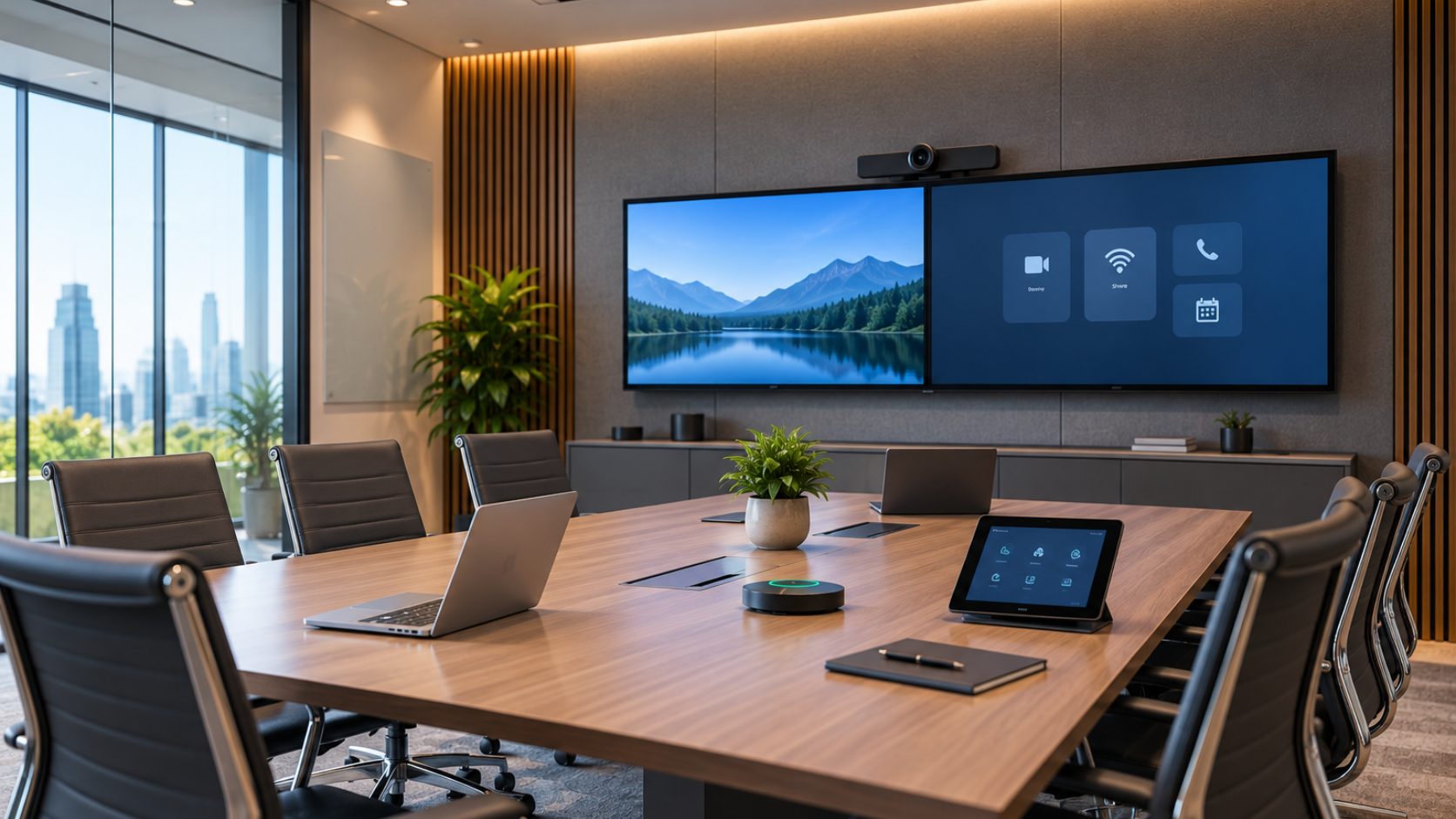
Your meeting room shows green lights on every device. The control panel responds. The network reports no faults. Still, the first five minutes of every call feel broken.
Someone cannot switch inputs. Someone else hears echo. A laptop refuses to share content. The remote participant sees a black screen. The system works on paper. The experience fails in practice. Even when audio-visual system integrators certify the hardware is perfect, the conference room audio-video solutions often fail to deliver a seamless user journey.
This gap appears across complex enterprise environments every day. Technical uptime measures hardware and software status. Usability measures whether people complete their work without friction. The two numbers rarely match. Top-tier enterprise AV solutions must bridge this divide, but simply installing equipment isn’t enough to guarantee a frictionless meeting.
Where the Friction Appears
- Switching sources ranks among the most common complaints. A presenter walks in with a laptop. The room expects HDMI. The cable sits behind a locked cabinet. The touch panel offers six source options with unclear labels. Two minutes disappear while the group debates which button to press. A skilled audio-video integrator would anticipate this by simplifying the AV system for conference room layouts, yet many installations still miss this mark.
- Audio follows close behind. Microphones pick up keyboard clicks. Ceiling arrays leave distant seats quiet. Wireless mics drop when users move. Echo returns because acoustic treatment never matched the room shape. People raise their voices. Remote attendees mute themselves to escape the noise.
- Content sharing creates its own set of failures. Wireless presentation tools demand apps, codes, or browser extensions. Some devices support AirPlay. Others support Miracast. A few support neither. The shared screen freezes. Resolution drops. Annotation tools refuse to respond.
- Device behaviour adds the final layer. Displays wake slowly. Cameras auto-frame the wrong person. Control systems time out. Firmware on one codec lags behind the rest of the fleet. Each small delay compounds until the meeting loses focus.
Enterprise Reality Check
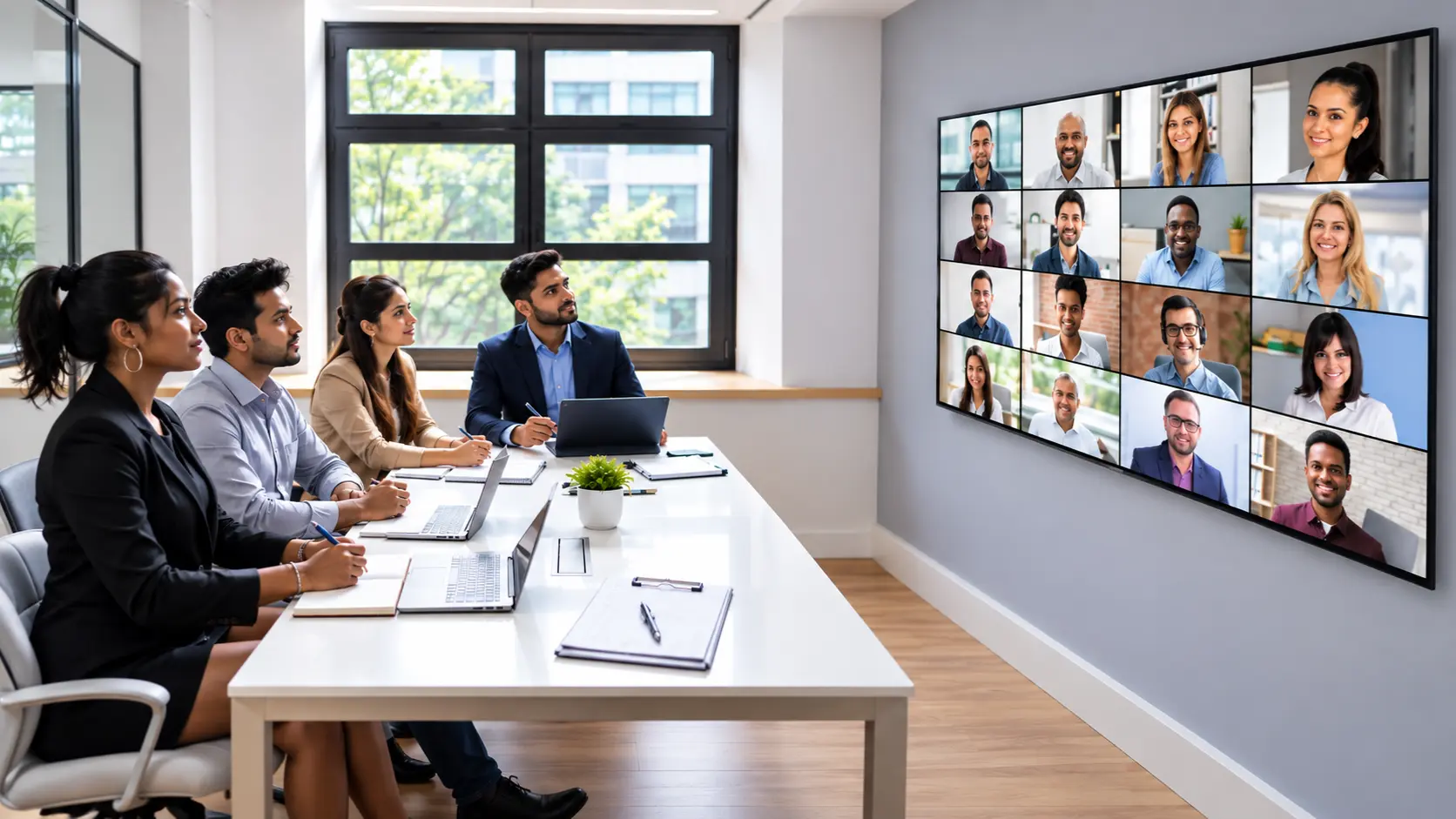
Consider a typical hybrid team of twelve. Four sit in a boardroom. Four join from home. Four connect from branch offices. The boardroom system reports 99.8% uptime last month. Yet every all-hands call starts late.
One branch office uses older codecs. Their video freezes under load. Home users battle consumer routers. The boardroom camera tracks the wrong speaker because the auto-framing algorithm prefers movement over voice. The result looks like this:
- Presenter spends three minutes fixing audio levels
- Remote staff miss the first agenda item
- Branch office sees pixelated slides
- Decision-making slows by ten minutes
Multiply the delay across fifty rooms and hundreds of meetings. The lost time becomes measurable. Productivity drops. Frustration rises. People start booking personal video calls instead of using the corporate rooms. This is why organizations seek business AV solutions that prioritize user experience rather than just hardware specifications.
Root Causes Behind the Gap
- Most installations focus on component reliability. Installers test each device in isolation. The matrix switcher passes signal. The amplifier delivers clean power. The control processor boots without error. Integration testing stays limited to happy-path scenarios.
- Real users never follow the happy path. They arrive late. They bring unexpected devices. They change plans mid-meeting. They press the wrong button twice. The system must absorb these variations without breaking the flow.
- Design choices also create problems. Rooms often inherit standard templates. One template serves boardrooms, training spaces and huddle rooms alike. Acoustic treatment stays minimal because budgets prioritise shiny displays. Cable management hides connections but also hides troubleshooting access. User interfaces prioritise feature count over clarity.
- Support processes widen the gap further. Help desks track ticket volume and resolution time. They rarely track how long a user waited before raising the ticket. A five-minute struggle becomes invisible if the user never calls. The metrics look healthy while daily experience suffers.
Practical Steps That Close the Gap
- Start with observation. Sit through ten real meetings in different rooms. Note every moment a user pauses, asks for help, or improvises a workaround. Those moments reveal the true failure points.
- Map the user journey for each room type. List every action from entry to exit:
- Walk in and wake the system
- Select a source
- Share content from a personal device
- Adjust volume or mute
- Bring remote participants into the conversation
- End the session cleanly
- Test each step with people who lack AV training. Record the time and the number of mistakes. Redesign any step that takes more than two actions or produces confusion.
- Prioritise consistency across the estate. Identical button layouts, identical cable types and identical wake sequences reduce training load. When users move between floors or cities, they should recognise the interface at once.
- Address acoustics early. Soft surfaces, proper speaker placement and microphone zones matter more than most budgets admit. A room with perfect video and poor audio still fails the experience test. Leading audio-visual service providers know that acoustic design is as important as video resolution.
- Build support around proactive checks. Schedule automated health tests that go beyond ping responses. Verify video paths, audio levels, and control responsiveness daily. Catch drift before users notice.
- Train on outcomes, not features. Show people how to start a meeting in under thirty seconds. Show them one reliable way to share content. Leave advanced features for power users who request them.
What Success Looks Like
A well-tuned space feels invisible. People walk in, connect, and work. No one discusses the technology. The conversation stays on the agenda. Remote participants hear clear audio and see stable video. Local participants switch sources without asking for help.
Organisations that reach this state report fewer support tickets, shorter meeting start times, and higher room utilisation. The technical uptime number remains high. The usability number finally matches it.
Resurgent designs and deploys Integrated AV Solutions for Corporates. Our corporate AV solutions help organisations stay ahead and agile even as they expand globally and work cultures become increasingly hybrid. As one of the top audio-visual companies in India, we understand that audio-video integration no longer applies only to communication capabilities within a single space. Instead, our auditorium AV solutions and office systems transcend spaces and connect people across multiple locations and devices. Whether you are searching for audio-visual companies in Bangalore or audio-visual companies in Chennai, we provide the expertise to unify your global workforce. Teams gain the tools they need to reach company goals.
Service areas include:
- Unified Communication Systems
- Meeting & Presentation Rooms
- Training & Collaboration Spaces
- NOC-SOC Rooms
- Digital Signage
- Light & Sound
- Experience Centres
Contact Resurgent to review your current rooms, identify the hidden friction points, and build environments where the system and the experience both succeed.
FAQs
- Why does my AV system show green lights while meetings still start late?
Technical status checks confirm devices respond. User actions like source switching and content sharing still create delays in real sessions.
- What creates the biggest friction for people in the room?
Switching inputs, unclear audio levels, and unreliable wireless sharing force users to pause and troubleshoot instead of starting work.
- How do I spot the real problems in my spaces?
Sit through actual meetings and note every pause or workaround. Those moments reveal the gaps technical reports miss.
- Which changes deliver the fastest improvement?
Standardise button layouts and cable types across rooms. Test each step with non-technical users and remove any action that confuses.
- How does Resurgent help close the gap between system status and daily experience?
Resurgent designs integrated AV solutions for corporate spaces. Contact us to review your rooms and build setups where people connect without friction.
Written By
Madhusudhan VC
(AVP – Customer Achievement)