The global display market was worth $114.9 billion in 2021 and is expected to reach $216.3 billion by 2031 at a CAGR of 6.7%. This bodes well when we consider the increasing usage of high-quality screens across enterprise settings. To that end, this article explores the impactful uses of high-quality screens and how enterprises can go about installing them.
Enhanced Communication Across Remote & Hybrid Setups
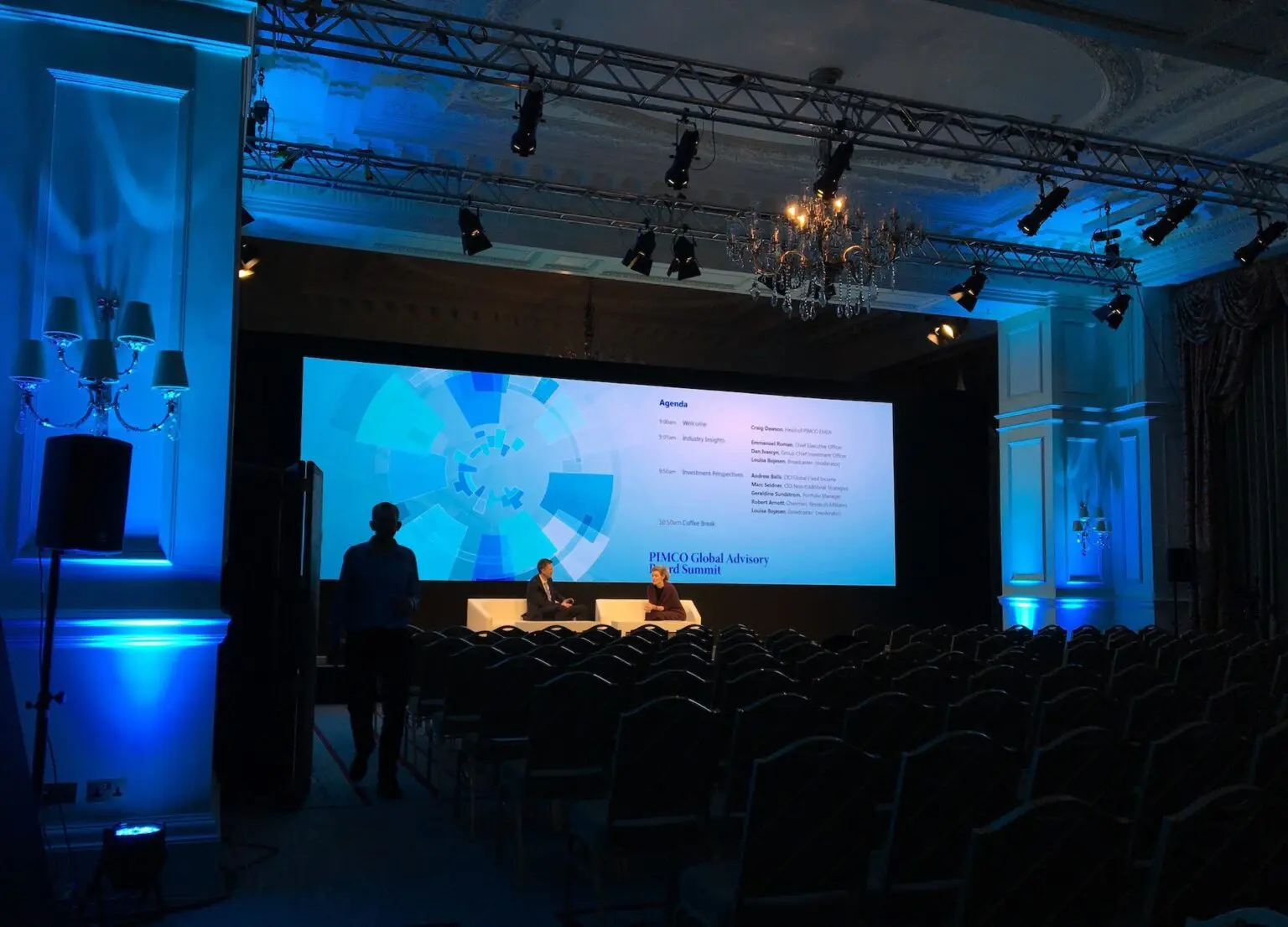
High-quality screens offer increased resolution and colour reproduction to ensure that every visual element, from photos to videos, is displayed with excellent clarity and detail. They’re often equipped with functions like audio and multimedia sharing, which further simplifies overall communication.
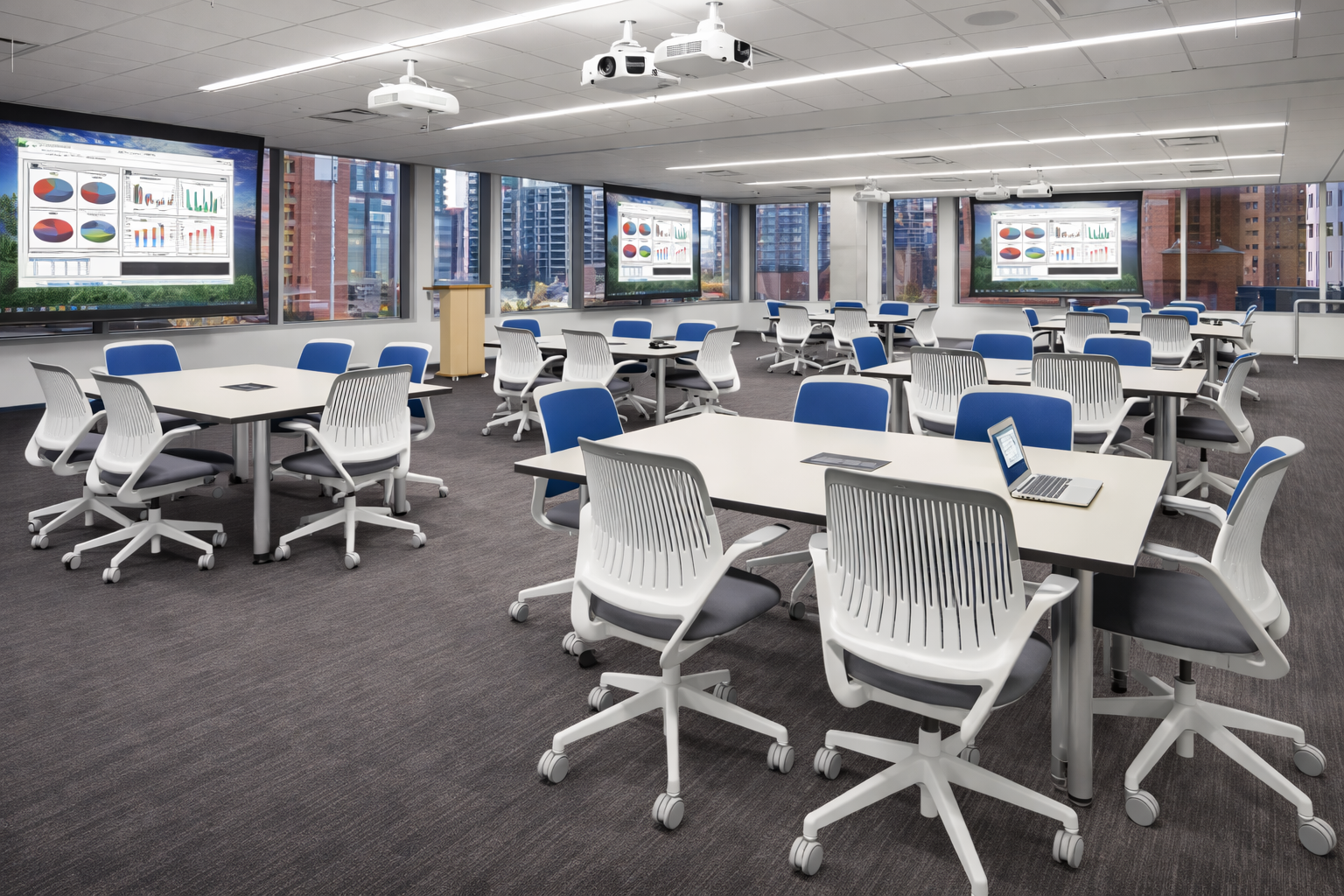
Presenters can successfully convey their ideas with this level of visual quality, making complicated subjects easier to understand and grasp. Furthermore, with high-quality screens, participants spread across remote and hybrid settings can see one other with exceptional clarity. This can serve to promote more meaningful interactions.
Support for Detailed Data Analysis Initiatives
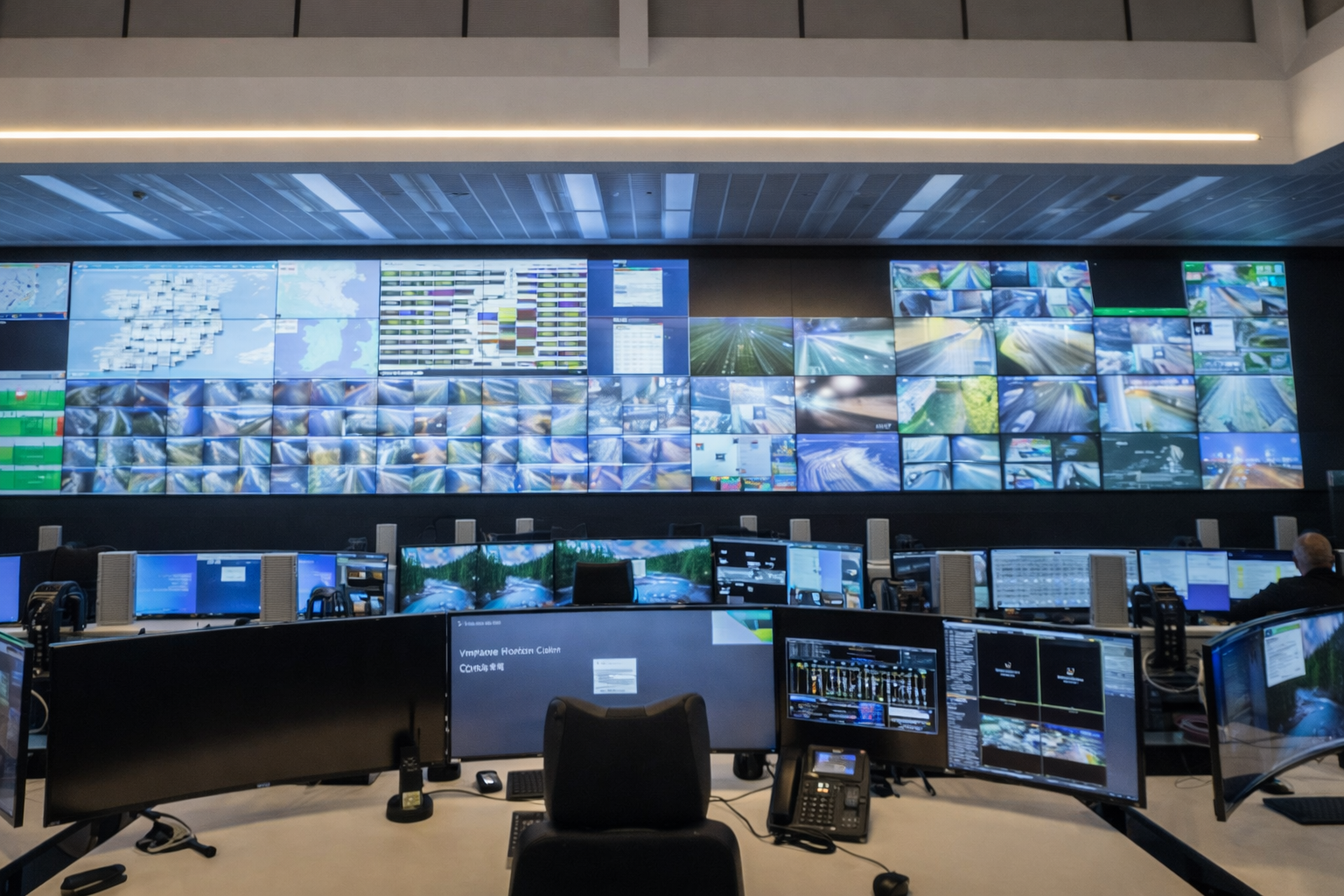
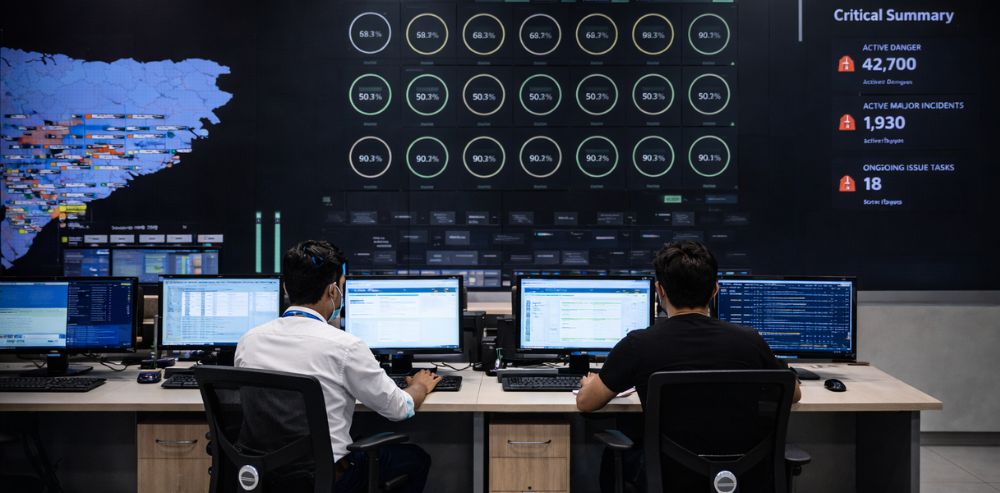
High-quality displays provide a vast workspace for data analysts to study enormous datasets with clarity and precision. The higher pixel density allows for the presentation of fine details, making it simpler to identify patterns, abnormalities, and correlations in the data.
Furthermore, high-quality screens enable real-time data visualisation. The fast response times and high refresh rates of the screens ensure that data is displayed fluidly, allowing analysts to discover trends, anomalies, or opportunities in real-time.
Also, these screens frequently include multi-screen capabilities, empowering analysts to work with various datasets simultaneously. This multitasking capacity boosts productivity even further because analysts can better compare and analyse many datasets.
Assistance in Manufacturing and Designing process
In product design and manufacturing, computer-aided design (CAD) and computer-aided manufacturing (CAM) software are extensively utilised. High-quality displays provide a more immersive and realistic depiction of CAD/CAM models, allowing designers and engineers to better edit and analyse 3D creations. These displays also allow for accurate portrayal of simulations like stress analysis, fluid dynamics, and virtual testing.
Using AR displays can further amplify this experience. Engineers can further zoom in on their designs, enhancing the level of detail and realism. Moreover, this helps them to troubleshoot flaws, which can substantially speed up the design process.
Digital Signage & Self-Ordering Kiosks
Digital signage and self-ordering kiosks have increasingly become popular, especially in fast-food restaurants, hotel lobbies, and retail outlets. One of the biggest reasons for this trend is that high-quality screens can create a more immersive and engaging experience for consumers.
At the point of consumption, high-quality displays can provide clear visuals that help restaurant-goers better understand the meal options available to them. This information is crucial when they’re deciding what to order.
Furthermore, high-quality screens can help with effective digital signage for wayfinding, promotion, and advertisement. For example, malls and theme parks can use these screens to announce their special promotions and events.
Steps for Implementing High-Quality Screen in Your Enterprise
Determine Screen Requirements
Begin by precisely outlining the screen requirements. Consider screen size, resolution, brightness, colour accuracy, viewing angles, and any industry or application-specific needs. The screen’s resolution should be good enough to display the required information clearly and legibly.
Screens may have various criteria depending on the business or use. In the medical field, for example, screens may need to be able to display high-resolution medical pictures. Ensure you are defining what the screen needs to do, not just how it will look.
It’s even more viable if these factors mentioned are adjustable even after installation — something that can be accommodated with solutions like AirServer, which espouse unrivalled audiovisual quality, broad compatibility, and simplicity of use.
Select Appropriate Screen
Conduct extensive market research on available screen options. Consider recognised manufacturers who have a reputation for creating high-quality displays. To make an informed decision, evaluate specifications, read reviews, and compare different models.
Consider both the immediate and long-term requirements. Think of features like dual screens, touchscreens, convertibles, docking station compatibility, and so on. Consider whether the hardware and software will work with your current infrastructure. For example, Resurgent-powered cloud-based communications platform Surge+ provides easy setup across locations to drive seamless communication.
Evaluate Integration Options
Various aspects must be considered when selecting how screens will be incorporated into your enterprise environment. To guarantee optimal placement and adjustability, consider the mounting options available, like wall mounts, desk mounts, or ceiling mounts. Microsoft Office Hub 2S is a popular choice among enterprises for easy and flexible mounting options.
To ensure functionality with existing systems, consider connectivity choices such as HDMI or DisplayPort. Determine whether any additional features, such as touch screen capabilities or support for multi-monitor setups, are required to suit the specific needs and improve usability in your workplace setting.
Ensure Connectivity Infrastructure
It is crucial to have the proper infrastructure in place to enable screen connectivity. This entails providing easily accessible power sources to power the screens. Installing high-quality video cables, such as HDMI or DisplayPort cables, is critical for delivering visual signals.
Furthermore, if network connectivity is needed for services such as remote management or content streaming, the network connection must be configured. Test the connectivity setup thoroughly to ensure all screens are correctly powered, video signals are transferred without interruption, and network features work as expected.
At Resurgent, we ensure that enterprise communications remain top-notch across settings. Explore our AV solutions to learn more.