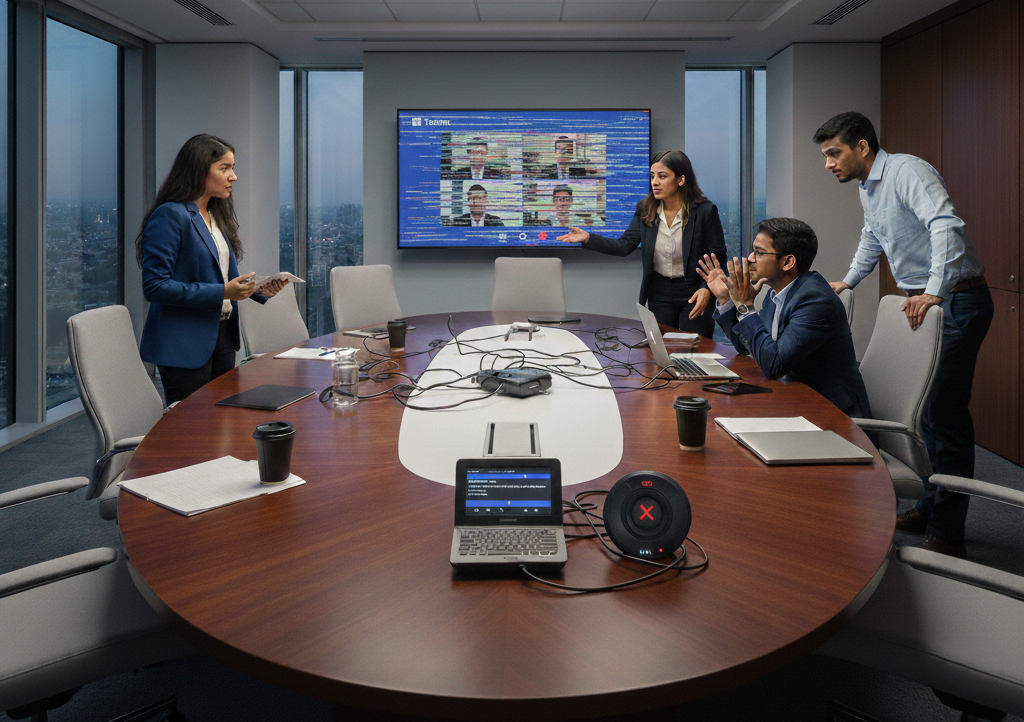
In the age of remote and hybrid working, video conferencing is now firmly established as the preferred mode to conduct business meetings. The question is whether video conferencing is designed just for meetings, or if it can offer more. In a changing work environment, video conference tools can offer a lot more including:
- Project reviews
- Brainstorming sessions
- Job interviews
- Knowledge sharing
In short, video conferencing offers a host of opportunities and benefits for organizations with its cost-efficiency and video quality. In this blog, let’s discuss some of the other ways in which organizations can leverage video conferencing technology.
5 ways to use video conferences – beyond just meetings
Here are 5 ways in which organizations can use video conferencing besides just team meetings:
- Brainstorming sessions
Video conferencing is an effective tool for brainstorming especially when organizations need “fresh ideas” from a larger team. Remote or out-of-office employees can also participate in brainstorming through video conferencing.
- Team building
Video conferencing can also be used for team-building activities through a relaxed and informal mode. It allows employees to “visually” interact with other employees, whom they don’t meet daily. Some of the popular team-building online games include Charades, Pictionary, and Bingo.
- Project review
Video conferencing also works for companies with large project teams distributed across the globe. Project team members can also do real-time collaboration on their projects, thus receiving immediate feedback on their work. Project managers can also assign project-related tasks to individual members (along with the expected deadline for delivery).
- Product demos
With video conferencing tools, sales teams are also gradually replacing on-site product demos with “virtual” demos. Besides their cost-effectiveness, virtual product demos can save time and present the complete functionalities of any product.
- Job interviews
To hire the best talent, organizations are recruiting candidates from different geographical locations – or even countries. With in-office recruitment, companies incur costs in the form of travelling and accommodation costs. With video conferencing, HR managers can “virtually” interview candidates even from remote locations.
Video Conferencing – Case Studies
In the modern workplace, organizations are using video conferencing tools for a variety of applications including team building, work management, and business communication.
Among the popular case studies, the social networking platform Facebook wanted a tool that could align all its global locations and cities. Most of the company’s video conferencing tools were catering to smaller locations or people working from their homes. Since 2018, the social networking platform has opted for an enterprise-wide video conferencing solution, which could support over 100 participants in every video call. Here are some of the additional capabilities of this video conference solution:
- Easier call-ins from desktop and mobile devices.
- Quicker invitations using links
- Enhanced capability for internal communication
Online marketing platform HubSpot offers high-quality SaaS-based products to global companies. The company has a set of 8 global offices – along with a distributed workforce of both work-from-home and remote workers. To improve work productivity, this online platform needed a tool to streamline internal communications and prevent any miscommunications among distributed teams. Using video conferencing, the company enabled its employees to start a video meeting in a few seconds (using a shared link). Here are some of its additional features:
- Support for up to 1,000 participants in every video call
- Call-in support for a variety of devices
- Call invite links and meeting schedulers
Using Microsoft Teams Rooms for video-based collaboration
Remote or hybrid working is now going mainstream – and not just a temporary work arrangement. With the increased distribution of their workforce, organizations are facing a host of challenges with employee engagement, work productivity, and miscommunications among team members.
As a cloud-powered tool, MS Teams Rooms is among the best tools for video-based collaboration among disparate teams. With a diverse set of features, MS Teams Rooms can help organizations improve their workforce productivity and address communication-related challenges with remote working.
MS Team Rooms is successfully bridging the gap between office and remote workers. Here are some productivity tips for organizations to maximize the capabilities of MS Teams Rooms:
- Ensure that all invited participants attend the scheduled video call.
- Make these video meetings more interactive to achieve the best outcome.
- Share the complete agenda with all participants before the video meeting.
- Optimize the duration of the video call to prevent work fatigue.
- For interactions between the office and remote workers, make sure every participant enables their camera to build team rapport and bonding.