A practical 2027 AV budget guide for meeting rooms. Learn to audit current gear, split spending into fund, fix, and leave alone buckets, and balance hardware versus licence costs.
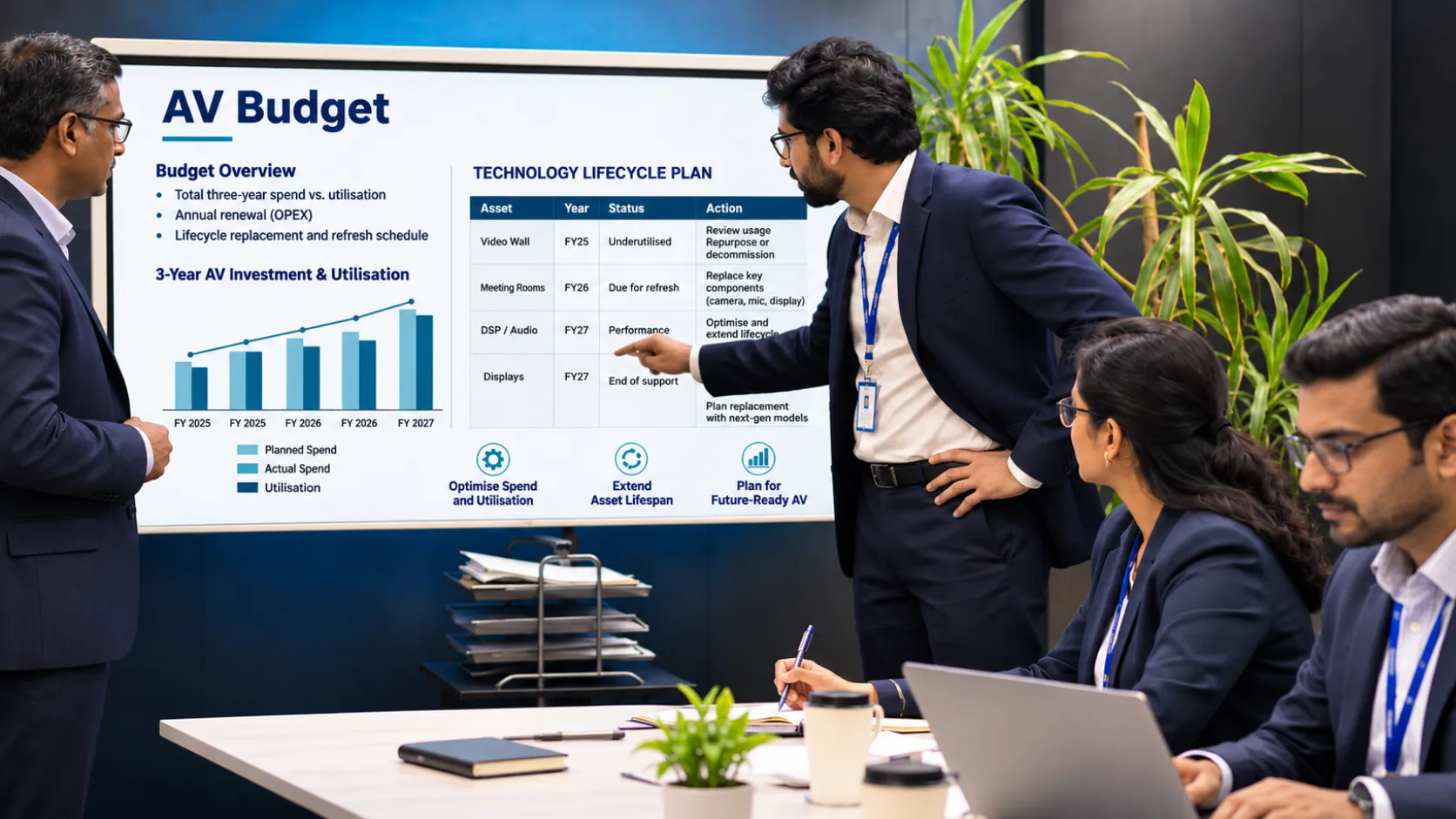
The CFO wants to know how much we’re spending on AV, and they have questions. Why are we paying Rs. 40,000 for a video wall we don’t use? Why are we paying more to renew the licence for our meeting room software? Why are we replacing perfectly good screens in the Executive Suite?
As someone who manages meeting room tech, you’ll know this scenario well. Usually there’s no issue with money, but there’s a lack of a clear process for determining where your money should go. Most budgets will be set against last year’s spending, which, whilst safe, isn’t very clever. A great way to set out your budget is using a 3-bucket method.
The 3-Bucket Framework: Fund, Fix, Leave Alone
This method will require you to make some judgements, so it’s a good idea to sort your AV into the three buckets. This will help you not treat all your AV requests as urgent.
Bucket 1 – Fund
This bucket should be for your revenue-generating rooms or core operational rooms. This will be the rooms your leadership team meets clients in, training rooms that are used daily, and your boardroom where your quarterly reviews take place. These rooms should be fully up to date with good hardware, current licensing, and instant support. If your display breaks during a client pitch, it will cost you more than the display itself.
Bucket 2 – Fix
This bucket should be for almost perfect rooms. They’re not perfect; maybe you have a noisy microphone due to the HVAC, your cabling is a mess behind the credenza, or your touch panel is not responding. Often these rooms can be fixed at a lower cost.
Bucket 3 – Leave alone
This is the bucket that can be hard to justify. Leaving doesn’t mean abandoning; it means postponing. This can be your conference room that is only used twice a month for a 15-minute stand-up or your legacy system in the annex that still works and doesn’t need to interact with the cloud. The key thing to remember is to be honest with how you’re using your rooms. If a room hasn’t been turned on in 90 days, then you don’t need to increase the budget; you need a decommission plan.
How to Audit Current Rooms in a Week
Without data, you can’t create a budget. You need to know what you have and how much you’re using. This isn’t an in-depth technical audit; it’s just a general audit of how much you’re using your rooms. If you’re disciplined, this can be done in 5 working days.
Day 1 & 2 – Inventory & condition
Walk around all your rooms. Write down the model numbers of your displays, codecs, and audio. Note the condition of the room. Are the screens delaminating? Is the camera attached to a loose bracket? Take some pictures.
Day 3 – Usage check
Look at your calendar booking systems. If you don’t have any booking data, ask your admin assistants. They’ll know which rooms are busy. Work out your utilization rate for the last quarter. If your room is being used less than 20% of the working week, then it could go into the leave bucket.
Day 4 – Complaint log
Look at your service desk tickets. What are people complaining about? Are they saying the HDMI cable is too short? Or the Zoom Rooms isn’t working? Short HDMI cables can be fixed; Zoom Rooms not working would need to go into the fund bucket. Split your complaints into hardware, licensing, and support.
Day 5 – Financial review
Look at your invoices from the last 12 months. You want to know how much you’re spending on CAPEX vs OPEX. Hardware is CAPEX; licensing and support is OPEX.
Planning Your Next AV Project?
Create Seamless Collaboration
with Our Enterprise AV Solutions.
Connect With Us →
Hardware vs Licences vs Support Costs
A common reason why AV budgets fail is that they’re all lumped into one line. They’re all very different.
- Hardware is a one-off cost that will depreciate. You purchase your display, and it’s yours. The risk here is it becoming outdated. A display purchased in 2020 will likely last until 2027. A codec purchased in 2020 may not be able to support the latest encryption. If your hardware is breaking or not supporting the required software, then it should go into the fund bucket.
- Licensing is an ongoing cost. It’s the software that runs your room. The cost per room is low, but it can add up. The risk here is having duplicate licensing. Audit your licensing. Chances are you have duplicate systems in your rooms: Zoom Rooms and Microsoft Teams Rooms. This is because different departments have purchased different systems. Where possible, standardise your licence platform. 1 room = 1 licence.
- Support is often an overlooked cost. This is your service contract, on-site technician, and managed service provider fee. The risk here is not having enough money allocated. If you reduce your service contract to save money, then you’re increasing the risk of downtime. If you don’t have support, then you’ll eventually leave it.
A Final Word on Budgeting for the Future
Your 2027 budget isn’t just a spreadsheet; it’s showing what your priorities are. By separating your fund, fix, and leave items, you can create a story for your CFO. You’re not asking for money for everything; you’re asking for money for what matters. The audit and cost breakdown will back this up.
Conclusion
The meeting room is changing. In today’s fast-paced business environment, we need to make decisions quicker. Resurgent understands this and can provide quick solutions to help you improve collaboration within your workplace, optimise your workflow and increase productivity.
Our expert technical knowledge, deployment plans, and robust quality assurance programmes ensure your users have a great experience and your technology will always be working to the best of its ability. Our Enterprise Project Delivery Team will work with you to ensure your project delivery timelines match your goals and keep you up to date throughout.
Whatever your business, our scalable solutions will make communication easier and help you succeed. We are Resurgent, and we’re ready to change the digital experience for your team.
Contact us to book a full AV audit.
FAQs
1. How do I know if a meeting room is worth fixing or replacing?
If the room is used often but has minor issues like a bad cable or a stuck touch panel, fix it. If the room is booked daily but the core codec is out of date and cannot be updated, replace it. Usage frequency is the deciding factor.
2. What is the biggest mistake people make when planning AV budgets?
Forgetting to include the recurring licence and support costs. Hardware is an easy sell, but if you do not budget for the annual software subscription or the service contract, the system will fail in year two.
3. Can we just do the audit ourselves without hiring a consultant?
Yes, you can. The process is mostly legwork and common sense. However, a third-party integrator can spot technical issues, like outdated cabling standards, that a general staff member might miss during a walk-through.
4. What does “Leave Alone” mean for the equipment that is already there?
It means you are not replacing it this year. You are not upgrading it. You are maintaining it just enough to keep it functional until it reaches end-of-life. It is a deferral, not an abandonment.
5. How does Resurgent help with the budgeting process?
Resurgent provides a detailed audit of your current environment and a clear proposal that separates hardware, licences, and support. We help you identify which rooms should be funded, which need fixes, and which can wait.
Written By
Dhivya George
(Digital Marketing Executive)